Whirlune
Run your AI agents from the board.
TODOs, Issues, PRs and email on one board. Hand any card to Claude Code or Codex.
Coming soon
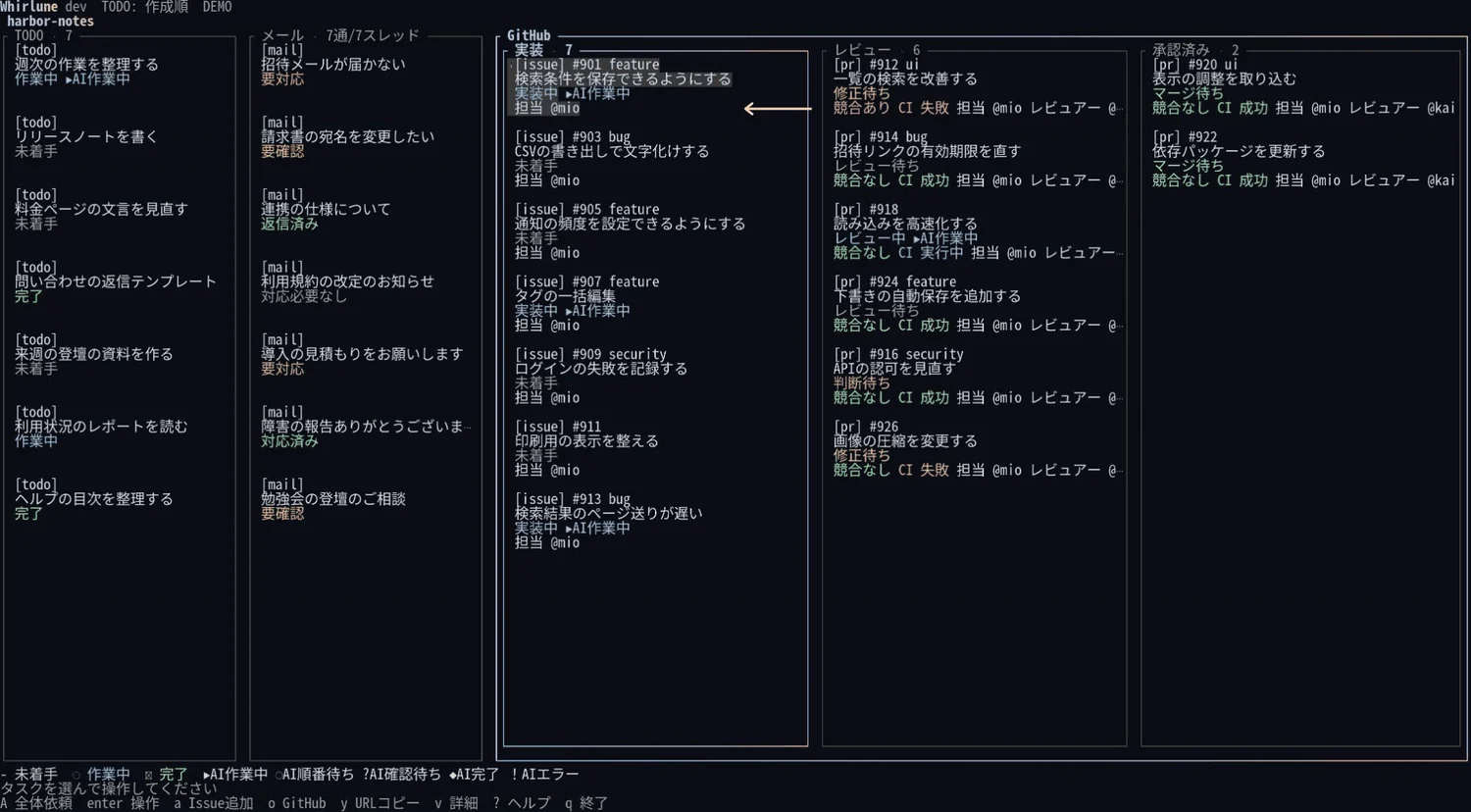
Hand it to AI
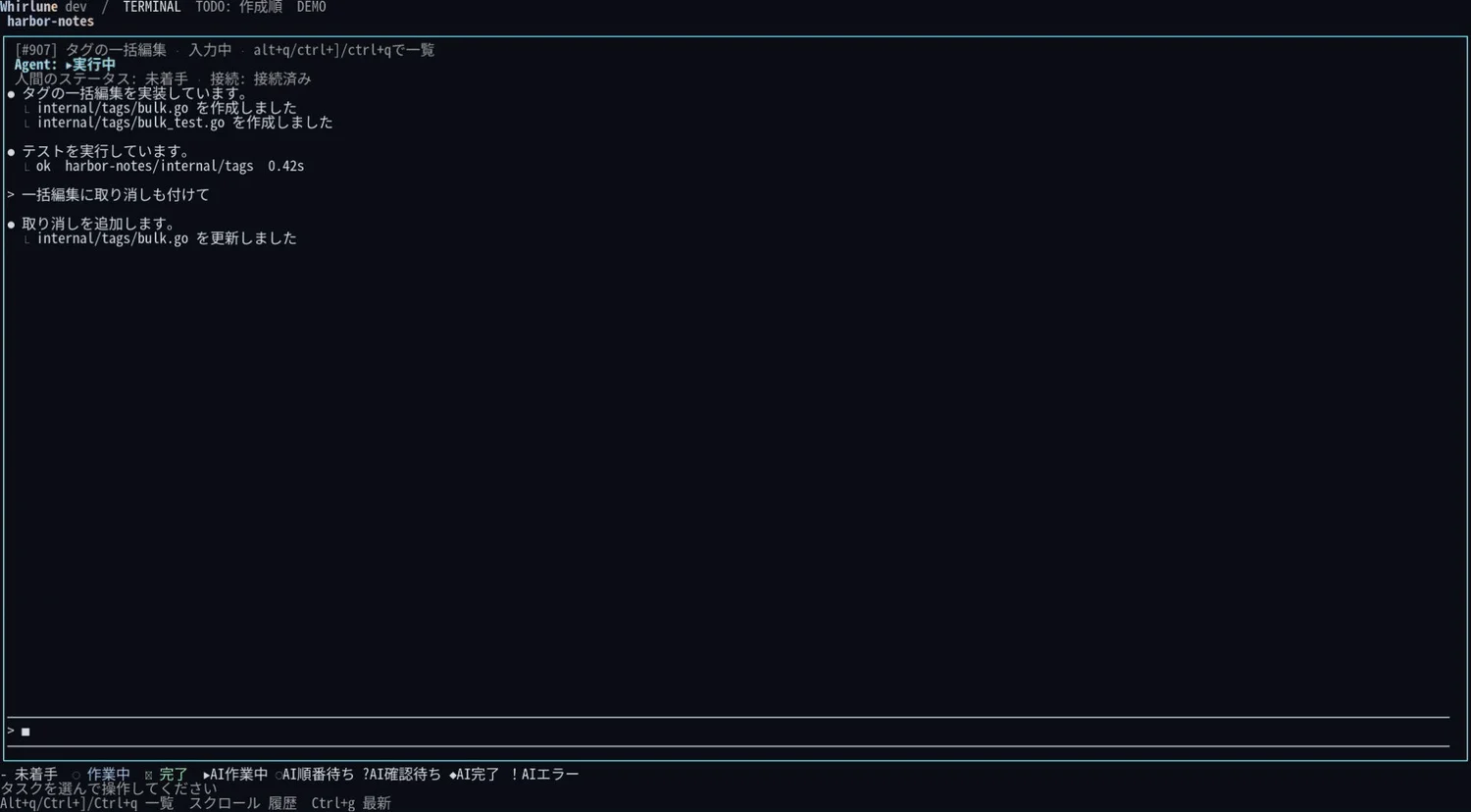
Follow up in the CLI
Automation
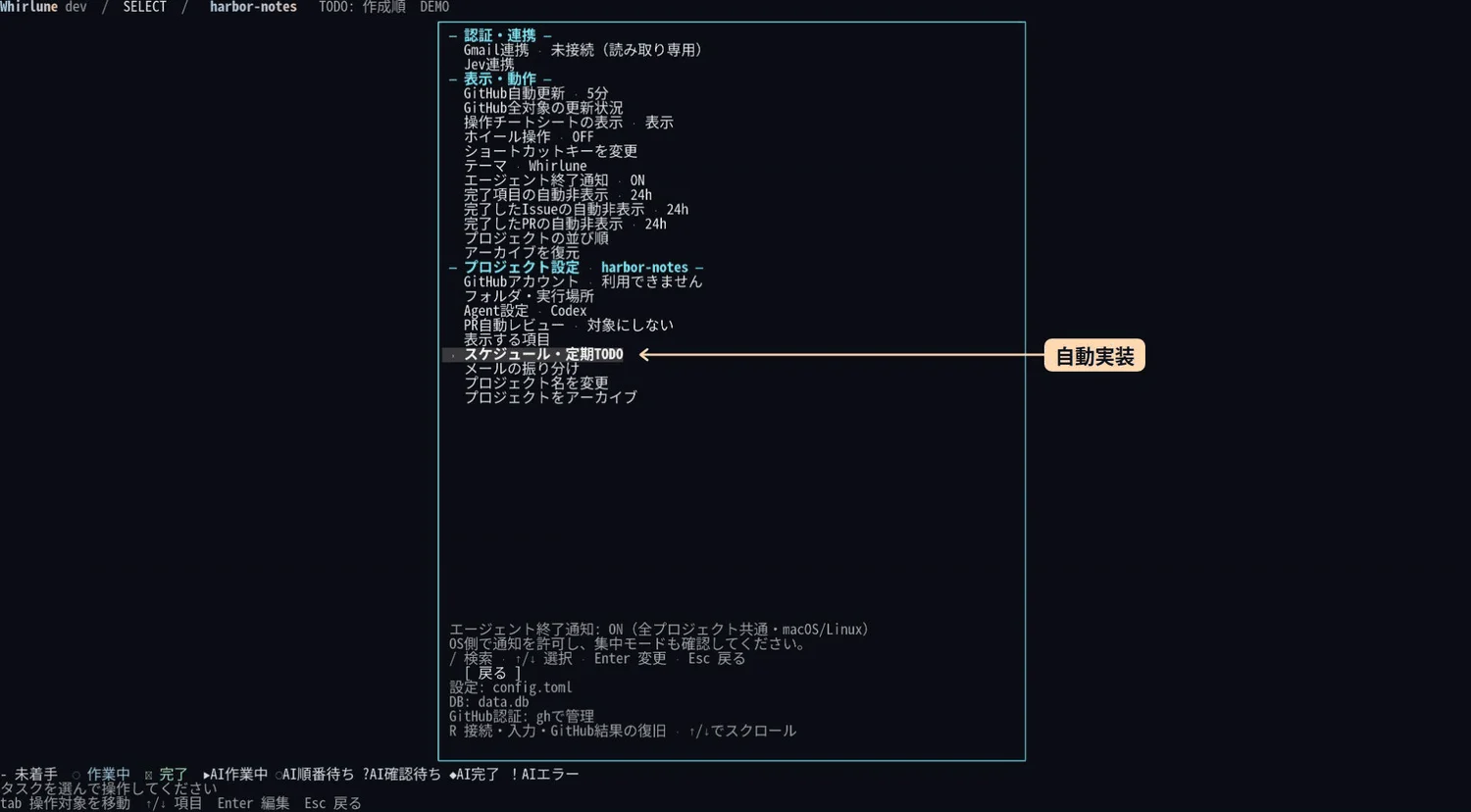
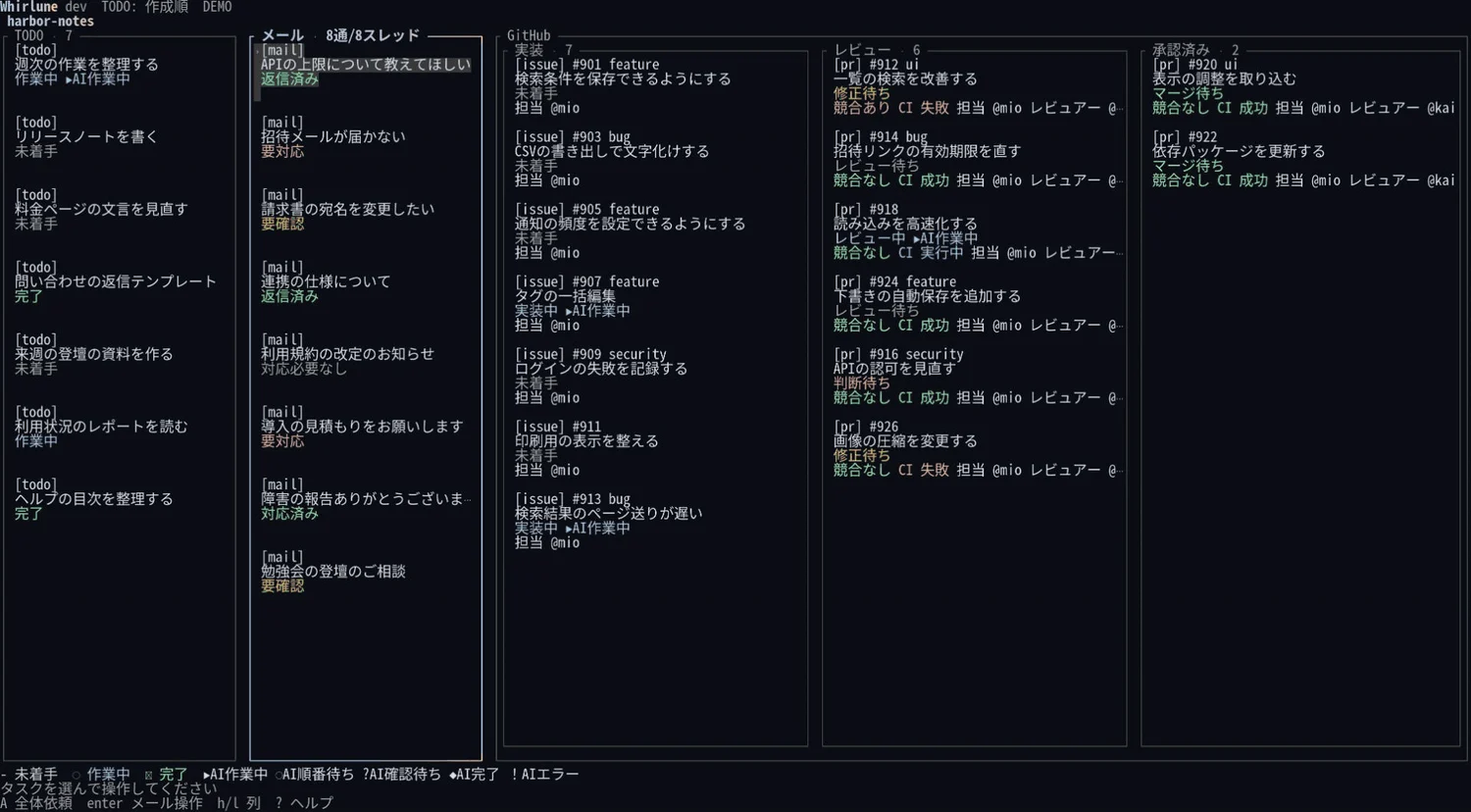
Screens show sample data in the Japanese interface and may change before release.
Works with the agents you already use.
Use your existing Claude Code and Codex plans straight from a card.
 Claude Code
 Codex
Planned
 Hermes Agent
 OpenCode
 Pi
 DeepSeek
How Whirlune uses Gmail data
Connecting Gmail is optional. When you connect an account, Whirlune does three things with it.
- Reads only
- Whirlune asks Google for the read-only scope
gmail.readonlyand nothing else. It never sends email, saves drafts in Gmail, deletes messages or changes labels. - Keeps it on your computer
- Fetched messages are stored in a database on the computer where you run Whirlune. Sign-in tokens are kept in your operating system's credential store. Nothing is sent to servers run by mibuki.
- Puts email on your board
- Messages are sorted into your projects by rules you set. If you turn on AI features, or ask an agent to work on a message, its content is sent to the AI provider you choose, under your own account with that provider.
Questions
Does the AI merge pull requests on its own?
Not by default. Automatic review and scheduled work start turned off, and you choose how much to hand over.
Does Whirlune send email?
No. Whirlune reads Gmail with read-only access. It never sends email, saves drafts in Gmail or changes your mailbox.
When can I use it, and what will it cost?
Whirlune is not released yet. It is planned as open-source software under the MIT License. Running agents is billed through your own Claude Code or Codex plan.
Whirlune is coming soon.
Questions about Whirlune or how it handles your data? Contact us through the support form.