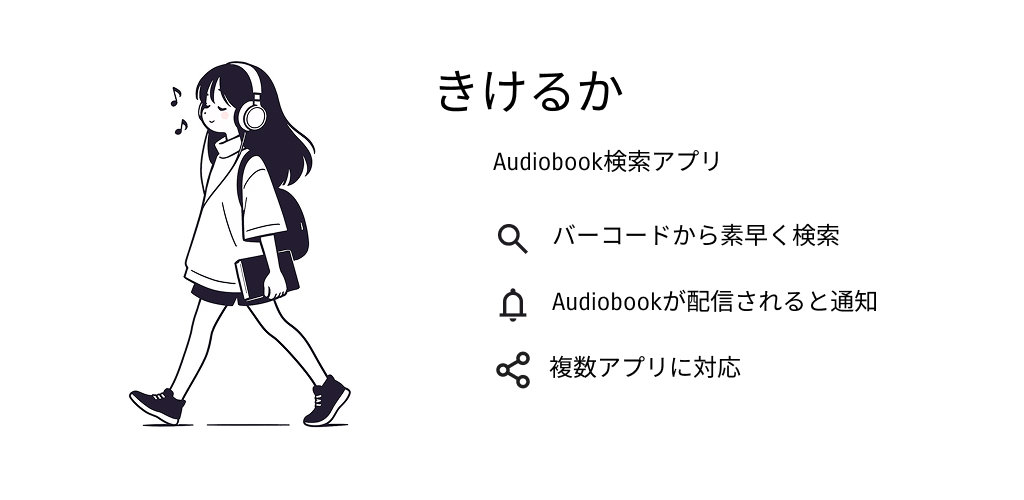
kikeruka
Never miss the day your book becomes listenable.
— From “to-read” to “to-listen” — an app that watches for audiobook releases —
That book might already be listenable.
Scan the books you're curious about — that's all. When one becomes an audiobook, kikeruka quietly lets you know with a push notification. Then all that is left is to listen.
You don't have to keep checking. Leave the watching to kikeruka.
Been missing moments like these?
There are books you would listen to, if you could
A book you loved can quietly become an audiobook without you ever hearing about it.
Checking for releases yourself is a chore
There is no telling when a release will come — yet the only way to check was to keep searching, again and again, yourself.
Releases start without you noticing
Right around when you stop checking, the release begins — and you never find out that the book became listenable.
Supported services
Audible and audiobook.jp, watched together
There is no telling which service will turn a given book into an audiobook. From the book's ISBN, kikeruka checks the release status on both Audible and audiobook.jp at once.
Release push notifications are free for everyone. You choose per service whether you want them.
Scan it. Then just wait.
You do exactly one thing.
The scan is the only thing you do. Everything after it is the app checking on your behalf.
Scan
Read the barcode of a book you're curious about. Registration by ISBN takes seconds.
Wait
Nothing else to do. kikeruka keeps following the release status in your place.
Get notified
When the audiobook arrives, a push notification tells you. Then, just listen.
What it does
Instant barcode search
Scan a book's barcode and see on the spot whether it is available as an audiobook.
Release notifications
For a book with no audiobook yet, a push notification arrives the moment a release begins. Free, and no sign-up. Choose Audible, audiobook.jp or both.
Your scans stay in history
Every book you scan is kept in an on-device history you can look back on.
Why we built it
Checking whether a book in a bookshop had an audiobook was tedious. Type the title, search Audible, then search audiobook.jp too. Do that book by book and you spend more time searching than looking at books.
But every book already carries an ISBN barcode. There was nothing to type — only something to scan. Once that landed, scanning became the whole interaction, and both services get checked in one go.
What changed was not search speed. Walking around a bookshop became fun again, because scanning anything that caught my eye costs nothing. I started stopping more often.
That leaves you holding books with no audiobook yet — and going back to check them yourself is the same chore all over again. So the app watches instead, and tells you when a release starts.
This app is for Japan only
kikeruka watches two services, Audible and audiobook.jp, and works from ISBNs in Japanese book distribution. Books and audiobook services outside Japan are not supported.
The app is available in Japanese only, and there is no plan to localise it. We would rather say so here than let someone in a country we cannot serve assume it might work for them.
Know this before you start
So there are no surprises, here is what's limited — or paid — upfront.
Searching offline
Checking release status needs a connection. Books you have already looked up stay on your device, so your history reads fine offline.
Adding a book by hand
You cannot add a book by typing an ISBN or a title. Scanning the barcode is the only way in.
An ad-free version
The app shows ads. That is how it stays free, and there is currently no way to remove them.
Real cover artwork
The book cards shown in the app are not the actual covers. Books are managed by title and author.
Services beyond these two
Release status can be checked for two services: Audible and audiobook.jp.
What goes in and what stays out is decided by three principles. Those criteria, and the list of things we refuse to do, are published.
Read mibuki's approach →On reading by listening →Clear your reading backlog — by ear.
Free to download. Start with one book you've been meaning to read.
iOS / Android app
Last updated: July 2026